
Settings
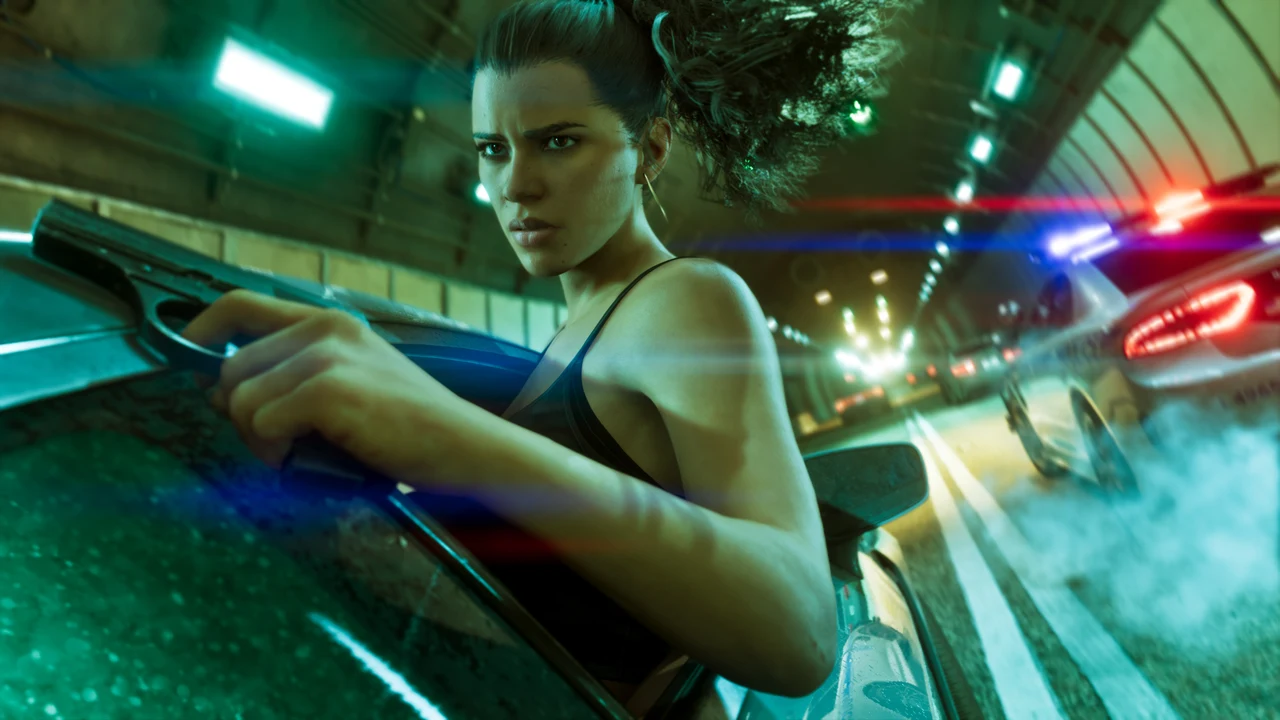
Settings in Grand Theft Auto VI cover the controls, the camera, the crosshair and a wide set of accessibility options. The game changes a few old habits of the series. Sprint moves to a click of the left stick, and a screen at the very first start explains the change.
Players who prefer the old ways have a choice. A classic control scheme sits in the settings menu, and it brings back the familiar layout of earlier Rockstar games.
Controls
The default controls lean on the D-pad for menus and on the triggers for people. The D-pad opens the phone, the radio and the partner options, while both sticks together start Focus. The table below lists the main controls on a PlayStation controller, with the Xbox buttons in brackets.
| Action | Control |
|---|---|
| Sprint | Click the left stick |
| Focus | Click both sticks together |
| Talk to or focus on a person | Hold L2 (LT) without a weapon |
| Phone | Up on the D-pad |
| Radio and vehicle controls | Hold Left on the D-pad |
| Points of interest and GPS marks | Hold Down on the D-pad |
| Partner options and character switching | Hold Right on the D-pad |
| Cheat entry | Hold L1 and R1 (LB and RB) on the phone |
Holding Right on the D-pad also calls the partner over, asks the partner to drive, or splits the pair up.
One old habit returns in a gym. The treadmill minigame asks for rhythmic taps of the X (A) button, just like sprinting in the older games.
Camera
The game is played in third person. A first-person view appears in a few places. Aiming down an optic on a gun looks through the sight. Focusing on a person or an item and clicking both sticks gives a closer first-person look, and some vehicles and the phone also use it.
An optic attachment is the way to bring first-person aiming to almost any gun. The cheapest optic at Ammu-Nation is affordable from the very start.
Points of Interest
Holding Down on the D-pad slows time and shows nearby points of interest, missions and services. Any of them can be marked, and the GPS then gives directions. It is faster than opening the map, and it finds the nearest gas station when fuel runs low. The same hold shows nearby bus stops and train stations for fast travel.
Crosshair
The UI tab of the settings holds the Reticle options. They change the crosshair to suit any player.
- Turn the centre dot and the hit markers on or off.
- Pick the crosshair size and its shape, from a full crosshair to a single dot or none at all.
- Set how visible the crosshair is while a weapon is held and while aiming.
- Show or hide the arc of thrown weapons such as grenades.
Accessibility and Other Options
The accessibility options are broad. On PlayStation 5, the strength of the DualSense haptic feedback can be changed there. Owners of GTA+ can also switch the membership benefits off in the settings, for a playthrough without them.
Notes
- Photo Mode sits in the pause menu, next to the save options and the settings.
- A full help menu in the game explains any control or action that has been forgotten.
- The radio wheel also holds the podcast tab, opened with Down on the D-pad while the wheel is open.
Gameplay Pages


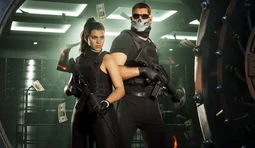
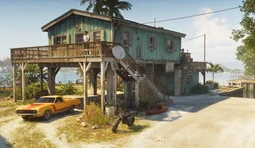
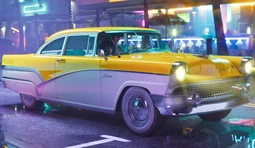


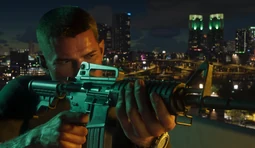
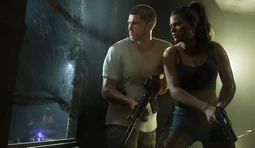
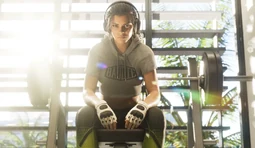









All Gameplay
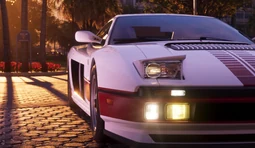
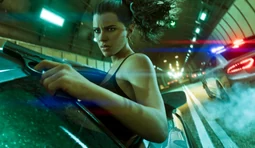
The table lists every gameplay page by group, from crime and money to settings.
| Name | Image | Group |
|---|---|---|
| Wanted Level | 
|
Crime and Police |
| Criminal Profile | 
|
Crime and Police |
| Stealth | 
|
Crime and Police |
| Car Stealing | 
|
Crime and Police |
| Name | Image | Group |
|---|---|---|
| Making Money | 
|
Money and Property |
| BuckMe | 
|
Money and Property |
| Safehouses and Garages | 
|
Money and Property |
| Name | Image | Group |
|---|---|---|
| Personal Vehicles | 
|
Getting Around |
| Driving | 
|
Getting Around |
| Fast Travel | 
|
Getting Around |
| Name | Image | Group |
|---|---|---|
| Focus | 
|
Combat and Abilities |
| Shooting and Cover | 
|
Combat and Abilities |
| Health and Armour | 
|
Combat and Abilities |
| Name | Image | Group |
|---|---|---|
| Character Switching | 
|
Jason and Lucia |
| Relationship System | 
|
Jason and Lucia |
| Name | Image | Group |
|---|---|---|
| Phone | 
|
World and Activities |
| Hunting and Fishing | 
|
World and Activities |
| Meditation Spots | 
|
World and Activities |
| Weather and Time | 
|
World and Activities |
| Name | Image | Group |
|---|---|---|
| Saving | 
|
Progress |
| Cheats | 
|
Progress |
| Trophies and Achievements | 
|
Progress |
| 100% Completion | 
|
Progress |
| Name | Image | Group |
|---|---|---|
| GTA+ and Editions | 
|
Game and Platforms |
| Platforms and Performance | 
|
Game and Platforms |
| Settings | 
|
Game and Platforms |